





Which access control suits my front door?
Fingerprint, PIN code and transponder can fulfil the same basic task: an authorised person gains access without using a conventional key. In everyday use, however, the systems differ significantly.
A fingerprint is tied to a person and requires no additional authorisation medium. A numeric code can be used without a card or key and is also suitable for changing users. Transponders and RFID media, by contrast, can be issued to specific people.
This decision alone is not sufficient for the technical selection. Readers, control units or relays, power supply and electric door opener must also be compatible with each other.
Fingerprint, PIN or transponder – what suits which use?
| Access type | Principle | Particularly suitable for | Administration notes |
|---|---|---|---|
| Fingerprint | an enrolled person authenticates using their finger | residents, families and regularly authorised persons | properly enrol users and adjust permissions when changes occur |
| PIN / Code keypad | access after entering a stored numeric code | families, employees and suitable temporary or changing user groups | codes can be shared and should be changed or revoked when necessary |
| RFID / Transponder | an authorised contactless medium is used at the reader | multi-family houses, offices and larger user groups | remove lost or returned media from the system promptly |
| Smartphone / App | system-dependent management or mobile authorisation via an app | networked buildings and flexibly managed access solutions | functionality, network and user accounts depend on the specific system |
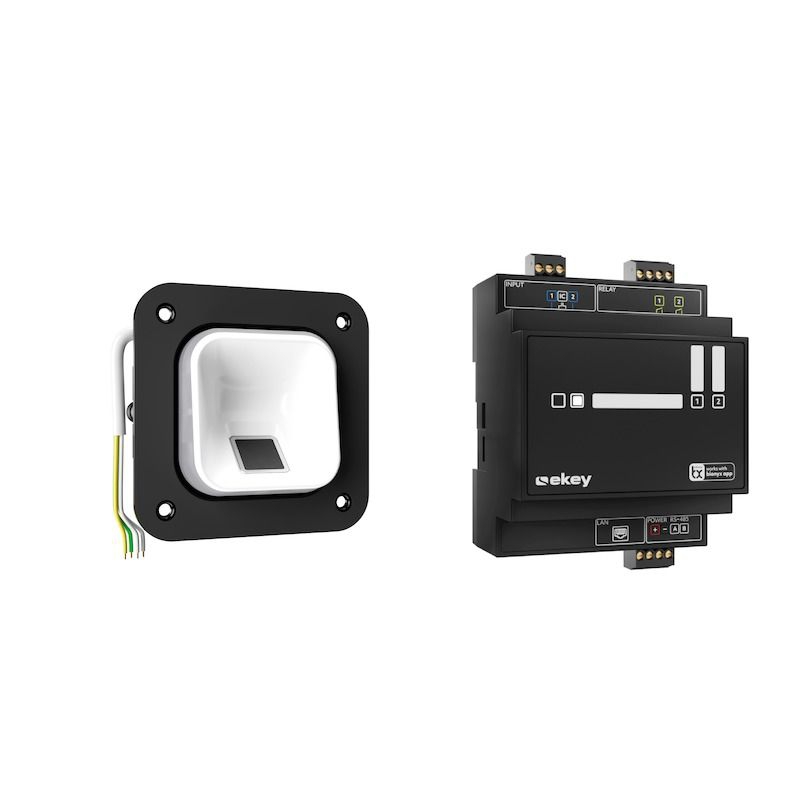
Why is a fingerprint or PIN module alone not sufficient?
The reader recognises or transmits the authorisation. The door is only opened through the interaction with the controller and the door opener.
Depending on the system, the switching relay is located in a separate, securely mounted controller or a system centre in the building. The electric door opener or the intended locking technology is connected to this.
For reliable planning, reader, controller, power supply, door opener and access management should therefore be considered together.
Which access control suits DoorBird, Gira, ekey, COMELIT or Busch-Jaeger?
The systems differ in reader, control, user management and integration into door communication. Components should therefore not be combined arbitrarily.
DoorBird
DoorBird offers, among other things in the current BML range, fingerprint, keypad and various contactless authorisation media for suitable IP door stations.
The desired reader should be chosen to match the DoorBird door station used and the intended door control.
Gira Keyless In
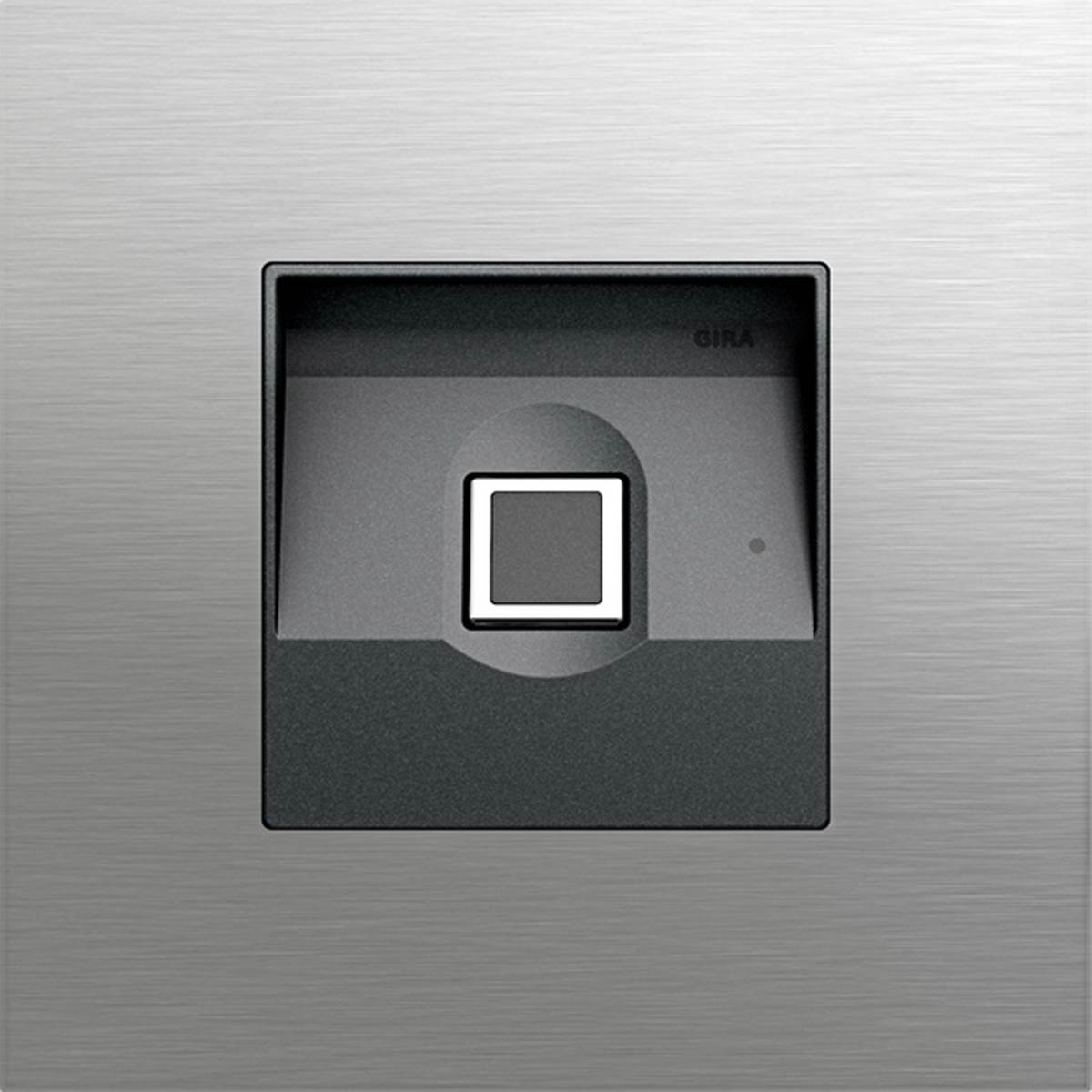
For Gira System 106, fingerprint and code keypad are available, among other options. This allows door communication and access control to be planned within the same modular design.
ekey
ekey focuses on biometric access. The sLine system combines a compact outdoor fingerprint reader with a separately mounted controller and app-based management.
COMELIT
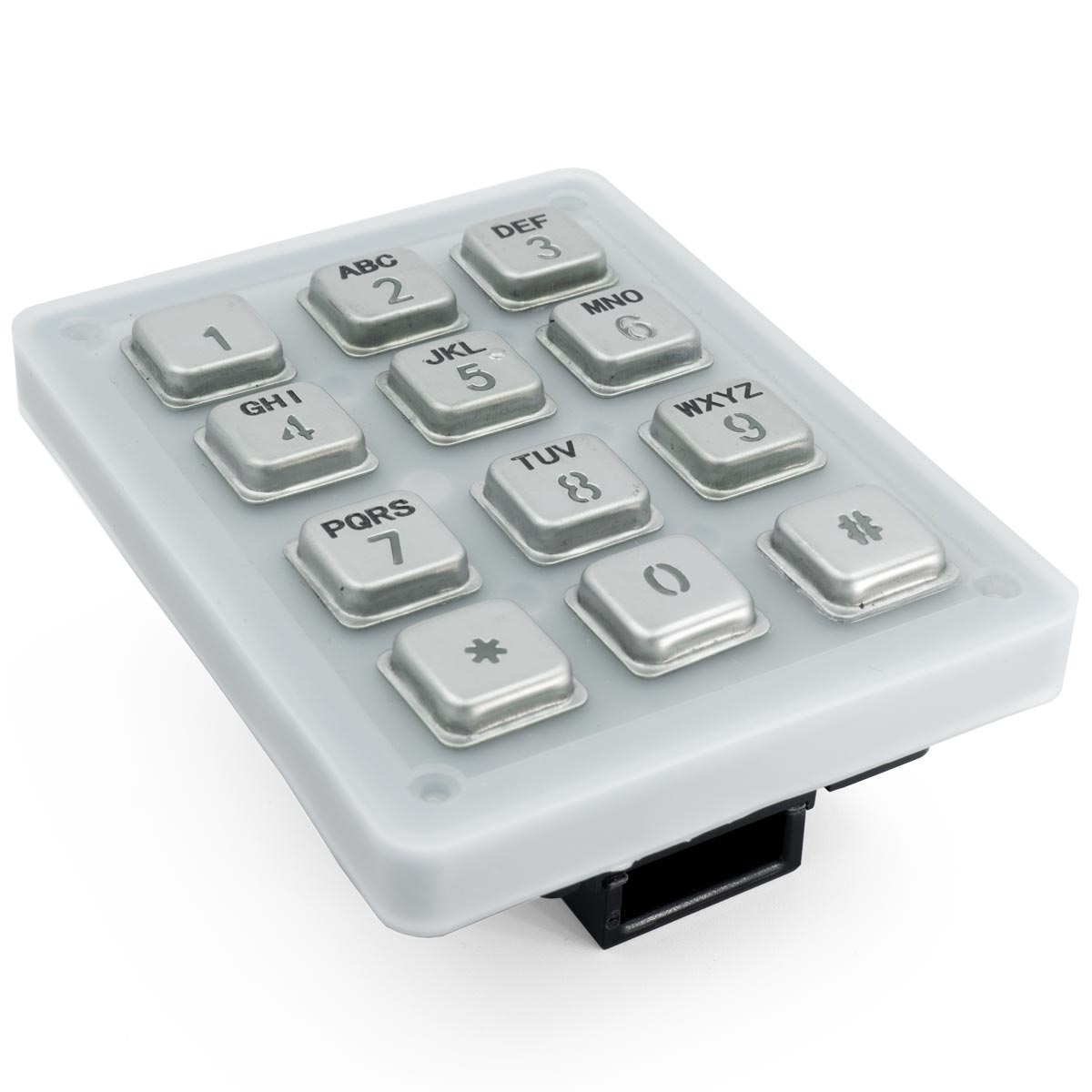
Within the Ultra system, code and other access components are available. A code module can, depending on the system, be used for PIN-based door opening and additional interfaces.
Busch-Jaeger
Busch-Welcome offers different modules such as fingerprint, keypad and transponder. Depending on the version, use within door communication or as a stand-alone solution is possible.
When is a code keypad at the front door appropriate?
A PIN solution is particularly suitable when people should gain access without carrying a physical key or transponder.
This can be practical, for example, for families, office buildings, commercial units or changing access permissions. The prerequisite is a structured code management: permissions that are no longer required should be changed or removed.
If door communication is already present, the code keypad should always be selected to match the system used and the intended door control.
Integrate access control into mailbox and door station
At BML, access control is not viewed only as a separate device next to the front door. Suitable modules can be constructively integrated into mailbox systems, door stations, doorbell panels and freestanding entrance solutions.
This allows fingerprint or code keypad to be planned together with doorbell button, camera, intercom, nameplate and house number in a common metal front.
For BML solutions designed for this purpose, material and finish can also be matched to the entrance area. The result is not a collection of individual devices, but a technically and aesthetically coherent entrance solution.
What needs to be planned for access control at the front door?
Five steps to the right solution
- Define access type: choose fingerprint, PIN, transponder or a combination according to the user structure.
- Check door technology: determine electric door opener, motor lock or existing door control.
- Select system: align reader, controller and existing or planned door communication.
- Plan installation: consider position, operating height, cabling, installation depth and protected mounting of the control equipment.
- Organise permissions: create users and define how lost, departed or time-limited permissions are managed.
Suitable components for access control
Door station
Plan doorbell, intercom, camera and access module within a suitable external station.
View door stations →System devices
Power supplies, control units, controllers and interfaces suitable for the communication system.
View system devices →Mounting components
Front panels, housings and preparations for the constructive integration of system technology.
View mounting components →Integrated mailbox solution
Select mailbox, doorbell, video door communication and access control together.
View complete mailbox sets →Who should install an electronic access control system?
An electronic access control system directly affects the door opening and often also the electrical or networked building installation.
Power supply, controller, relays, door opener, bus or network connections should therefore be planned to suit the chosen system and connected by qualified professionals in accordance with the manufacturer's instructions.
Frequently asked questions about access control at the front door
Which access control is suitable for a front door?
For private and commercial entrances, fingerprint, PIN code or contactless transponders can be suitable depending on the user structure. Decisive factors are the desired operation, number of users and the existing door technology.
Which is better: fingerprint or PIN code?
A fingerprint requires no additional medium or memorised code. A PIN solution can be particularly flexible for changing users. Which variant is better depends on the use case.
Can I retrofit a fingerprint to an existing intercom system?
If a compatible fingerprint module or suitable access solution is offered for the existing system, retrofitting may be possible. In addition, installation space, power supply, control and door opener must be checked.
What happens if a transponder is lost?
In a properly managed system, the lost authorisation medium should be removed or blocked in the user management and, if necessary, replaced by a new transponder.
Does the fingerprint reader open the door directly?
Not necessarily. In many systems, the external reader recognises the authorisation while a separate relay or controller performs the actual release of the electric door opener.
Can access control be integrated into a mailbox?
Yes. With suitable BML products, fingerprint, code keypad or other access modules can be integrated together with doorbell, camera and intercom into a common mailbox or door station front.
Can access control also be managed via smartphone?
For systems designed for this, yes. Functionality ranges from user management and permissions to system-dependent mobile opening functions, depending on the manufacturer.
Who is authorised to connect an electronic access control system?
Electrical connection, door opener control, power supply as well as bus or network technology should be installed by qualified professionals in accordance with the manufacturer's instructions.
Plan access control suited to the door and entrance
Please tell us the building type, desired access method, door technology and the existing or planned door communication system. For new BML projects, fingerprint, code keypad, doorbell, camera and metal front can be planned together from the outset.
