


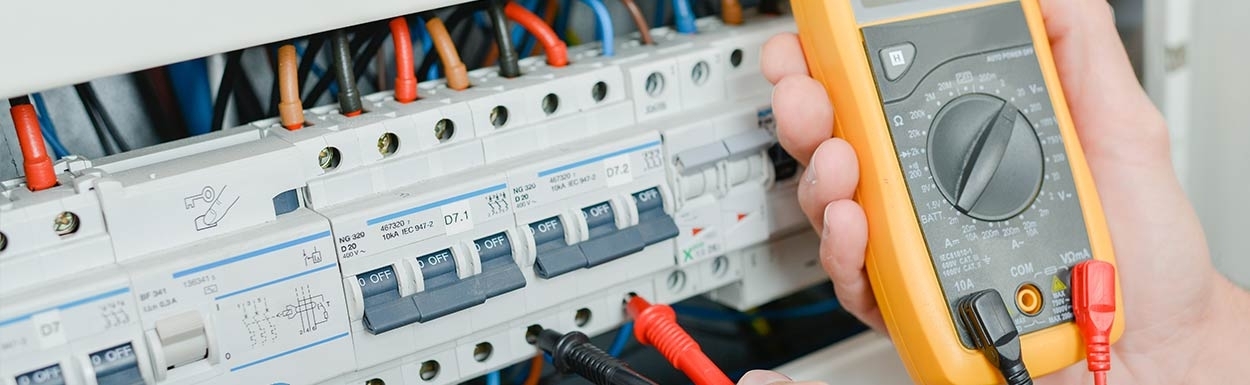


Which system devices does my door intercom need?
The door station and indoor unit are only the visible parts of a door intercom system. Behind them, power supplies, control units, gateways, interfaces and other components work to provide power, communication and switching functions.
Which devices are actually required depends on the chosen system. A Gira 2‑wire system requires different components than a DoorBird IP installation or a COMELIT system.
Therefore first establish the system environment and then choose the system devices intended for it. A power supply, gateway or control unit should not be selected solely on the basis of voltage, connectors or superficial similarity.
Power supply, control unit or gateway – what does which system device do?
Similar enclosures can hide completely different functions. The following overview helps with the basic classification.
| System device | Function | Typical use |
|---|---|---|
| Power supply / power unit | provides the operating voltage required by the intended system components | power door stations, gateways, access control or other system modules |
| Control unit / system central unit | performs central power distribution and control tasks within a system | connects and controls outdoor and indoor components |
| IP gateway | connects a compatible door intercom system to an IP network | integrates smartphones, tablets, PCs or further network functions into the door intercom |
| Switching actuator / door controller | provides additional switching functions | door opener, gate, lighting or other system‑dependent functions |
| Push‑button interface | integrates external doorbell buttons into a compatible system | individual BML doorbell and mailbox fronts with separate buttons |
| Converter | connects different transmission or cabling concepts | for example carry IP technology over an existing suitable two‑wire line |
| Splitter / amplifier | distributes or supports signals within suitable systems | larger video and multi‑subscriber systems |
| Multi‑tenant / call module | manages multiple call targets or additional input elements | apartment buildings, commercial properties and larger entrance systems |
Which system devices are compatible with DoorBird, Gira, COMELIT or Busch‑Jaeger?
System devices are usually part of a specific technical system ecosystem. They should therefore not be combined like universal electrical accessories.
DoorBird
The range includes, among other things, power supplies, PoE components, door controllers, multi‑tenant modules and converters for suitable DoorBird IP systems.
Gira
For Gira door intercoms you will find power supplies, audio and video control units, switching actuators, video distribution units and IP gateways, among other products.
COMELIT
COMELIT system devices include, depending on the system, power units, gateways, push‑button interfaces, switches and other modules for 2‑wire and IP installations.
Busch‑Jaeger
For Busch‑Welcome, system central units for power distribution and control as well as IP gateways for additional network functions are available, among other products.
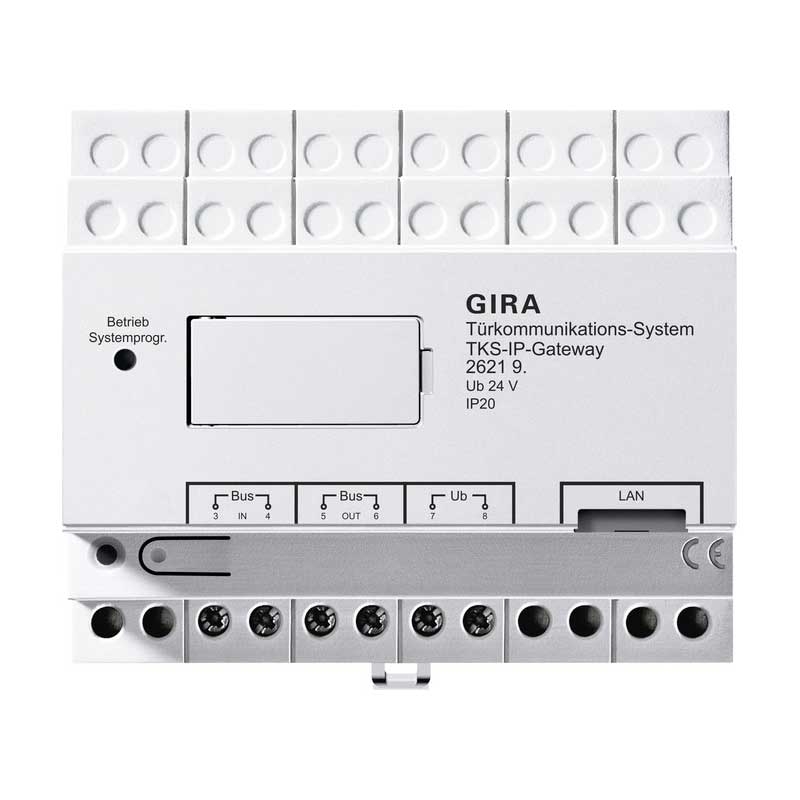
Why does a door intercom need an IP gateway?
An IP gateway forms the connection between a compatible door intercom system and the building network.
Depending on the system, this allows additional end devices or mobile applications to be integrated. However, a gateway does not automatically turn any door intercom into an IP system – it must be expressly intended for the existing system.
This distinction is particularly important for existing installations: the door intercom may continue to operate over the existing bus while the gateway provides the connection to the network and to additional operating options.
Can a gateway replace the indoor unit?
In certain systems a gateway can forward the door call directly to a smartphone or tablet. Whether a conventional indoor unit is additionally required depends on the manufacturer and system configuration.
For example, COMELIT offers a dedicated gateway solution that can forward the door call of a compatible Simplebus‑2 system to mobile devices.
Therefore check not only the term "gateway" but also the specific intended use of the device.
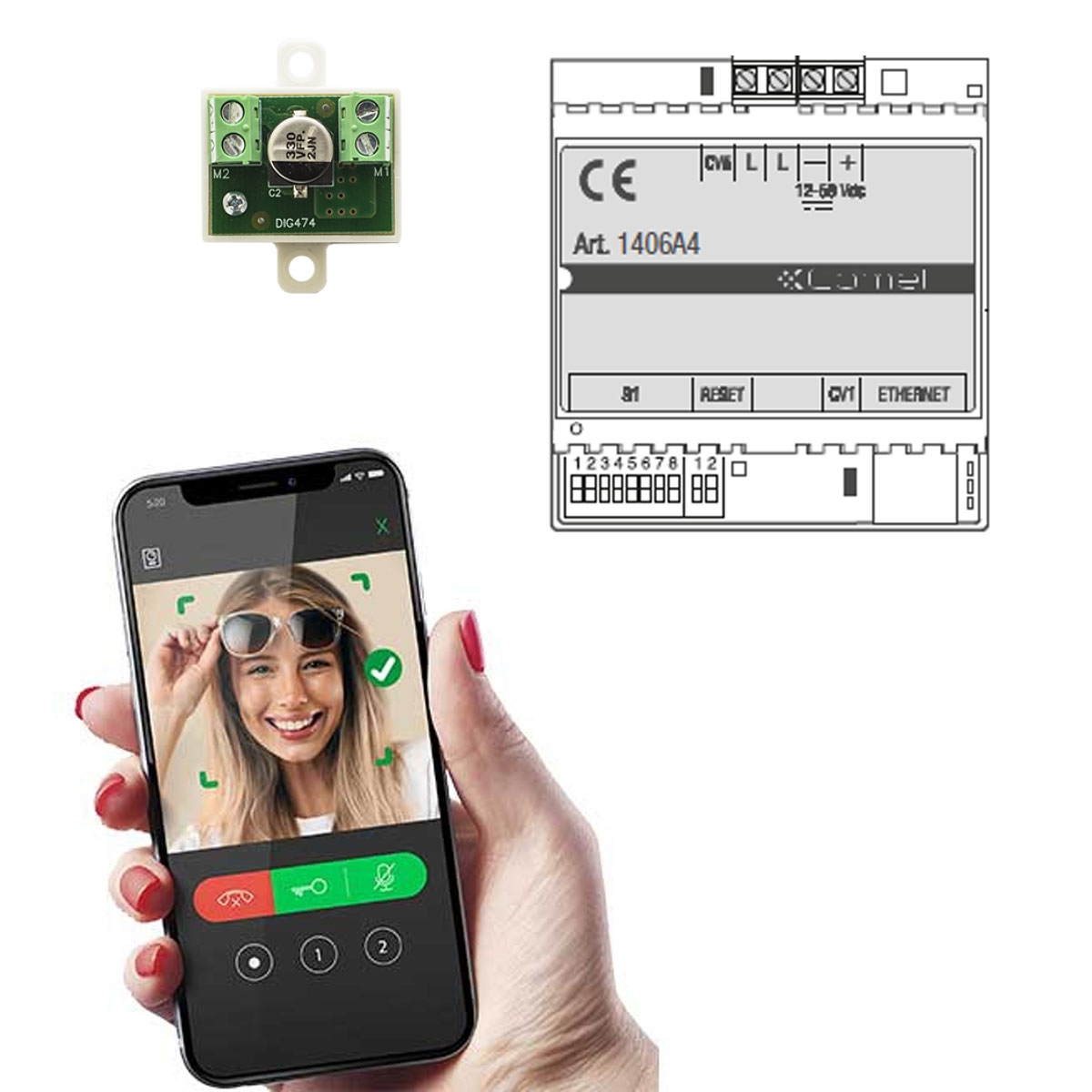
Which power supply do I need for my door intercom?
A power supply must match the intended system component and the power requirements of the installation. A device with an apparently suitable output voltage is therefore not automatically suitable.
System‑specific power supply
Many door intercom systems use dedicated power or control units. These sometimes perform additional functions within the system besides power supply.
PoE
For compatible IP components, data and electrical power can be transmitted over the network cable. The device and PoE supply must be compatible with each other.
Can IP door intercom work over an existing 2‑wire line?
For certain systems there are converters that allow existing suitable two‑wire lines to be used for network data and power.
This can be interesting during a refurbishment if there is already a line between the technical room and the entrance but no new network cable is to be laid.
Whether the existing line is actually suitable, what range is possible and which PoE components may be additionally required must be checked for the specific installation.
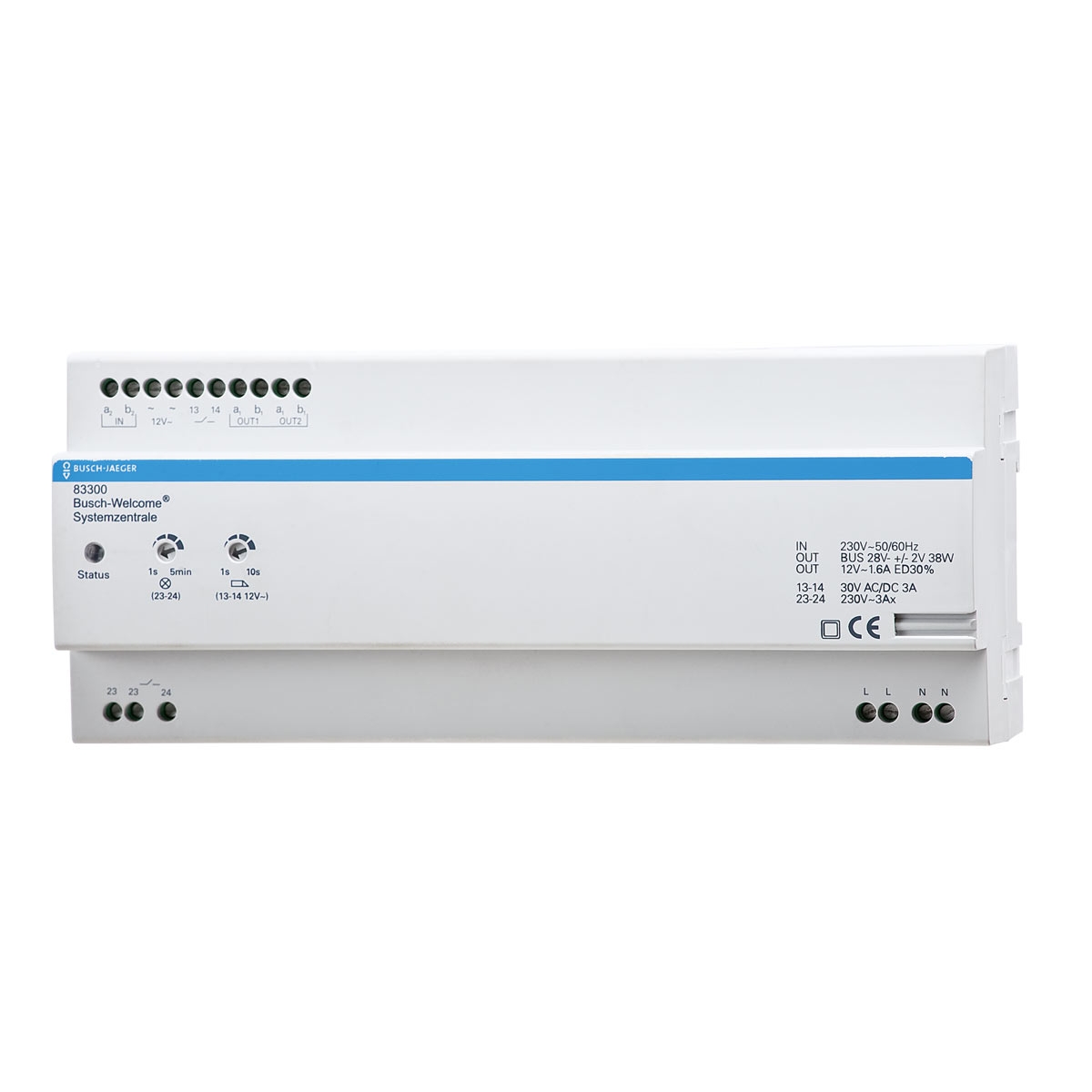
What does a system central unit do in door intercoms?
Within a suitably designed door intercom system, a system central unit can take on both power distribution and control tasks.
Depending on the manufacturer, for example indoor and outdoor buses are connected, door openers are controlled or further switching functions are provided.
For this reason such a central unit should not be replaced by any random power supply. It is part of the system architecture and must match the rest of the installation.
How are external doorbell buttons integrated into a door intercom?
For bespoke manufactured doorbell and mailbox fronts, separate doorbell buttons are often desired while the actual audio/video technology sits behind the metal front.
Various system manufacturers offer suitable button interfaces or multi‑tenant modules for this purpose. These assign the external buttons to the system technology.
This is exactly where joint planning of the BML metal front and the door intercom plays an important role: the number and position of the doorbell buttons should already be planned together with the intended communication system.
Single‑family home
Usually a single call path is sufficient. Nevertheless, the doorbell buttons, audio/video unit and interface must be technically compatible.
Multi‑family building
With multiple households call targets must be clearly assigned. Depending on the system, multi‑tenant modules, button interfaces or digital call modules may be required.
Plan more than just the visible door station
A high‑quality door station only works reliably if the technical infrastructure behind it matches the chosen system solution.
BML combines bespoke manufactured mailbox and door station solutions with door intercoms from established system manufacturers. This allows consideration during planning of which power supplies, control units, interfaces or gateways belong to the intended solution.
This is particularly important for integrated mailbox systems, multiple subscribers, external BML doorbell buttons or a combination of door intercom and access control.
Rather than selecting only the visible components, the installation is regarded as an integrated system.
Further components of door intercoms
Door station
Outdoor station with doorbell button, speaking point and, depending on the version, camera.
View door stations →Indoor unit
Indoor unit for answering calls, speaking, camera image and other system functions.
View indoor units →Access control
Plan access via suitable system technology in addition to classic door intercom.
View access control →Door intercom
Outdoor station, indoor unit, camera, gong and system devices in the overall context.
Door intercom overview →Who should install system devices for a door intercom?
Power supplies, control units, gateways and interfaces are components of an electrical or networked building installation.
Sizing, wiring, power supply, bus and network connections as well as commissioning should be carried out by qualified professionals in accordance with the manufacturer's instructions.
This applies particularly to work in control cabinets, mains voltage, door opener control and larger multi‑tenant installations.
Frequently asked questions about system devices for door intercoms
What are system devices in a door intercom?
System devices are technical components such as power supplies, control units, gateways, switching actuators, interfaces, distribution units and converters. They handle power, control and communication within the system.
Does every door intercom require a control unit?
Not every system is structured the same way. Which power and control units are required depends on the manufacturer, system family and the number of components used.
Can I use any 24 V power supply for a door intercom?
No. A suitable voltage alone is not enough. Power, connector type, system approval and the function of the intended power or control unit must also be correct.
What is the purpose of an IP gateway in a door intercom?
An IP gateway connects a door intercom system designed for it to a network. Depending on the system, smartphones, tablets, computers or further network functions can thereby be integrated.
Can I use my door intercom on a smartphone?
This is possible with suitable systems. Depending on the manufacturer, a native IP door station or an additional gateway may already be required for this.
Can an existing 2‑wire line be used for IP door intercom?
For certain systems there are suitable converters that can transmit network data and power over existing two‑wire lines. However, the line and the entire installation must be technically suitable for this.
What is a push‑button interface?
A push‑button interface connects external mechanical doorbell buttons to a compatible door intercom system. This is particularly relevant for bespoke manufactured doorbell and mailbox fronts.
Can system devices from different manufacturers be combined?
Not arbitrarily. DoorBird, Gira, COMELIT, Busch‑Jaeger and other manufacturers use their own system technologies. Devices should only be combined if compatibility is expressly provided.
What do I need for door intercom in a multi‑family building?
In addition to outdoor and indoor units, more powerful control units, button interfaces, multi‑tenant modules, distribution units and further components may be required depending on the system. The number of subscribers should therefore be taken into account from the outset.
We help with the technical compilation of your door intercom
Tell us the manufacturer and system, the planned door station, number of subscribers and desired functions. For existing installations, photos and type designations of the existing components as well as information about the cabling are additionally helpful.
