
Digital letterbox lock for BASIC: Using the app, Bluetooth and NFC correctly
The digital letterbox lock replaces the mechanical key on compatible BASIC letterboxes with app control via Bluetooth. The supplied NFC tag can shorten access, but does not work reliably on metal letterboxes and is intended exclusively for a plastic nameplate.
What can the digital letterbox lock do?
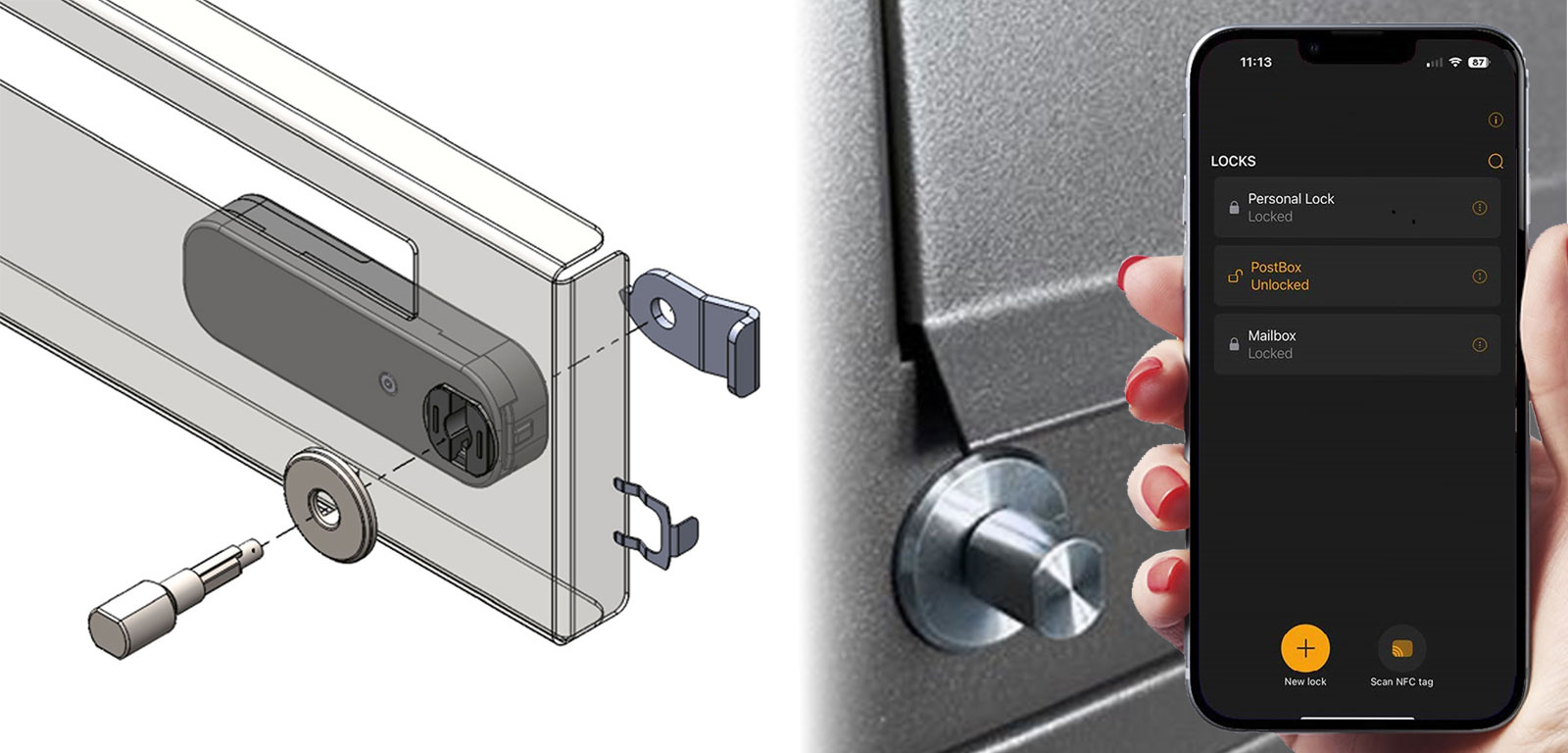
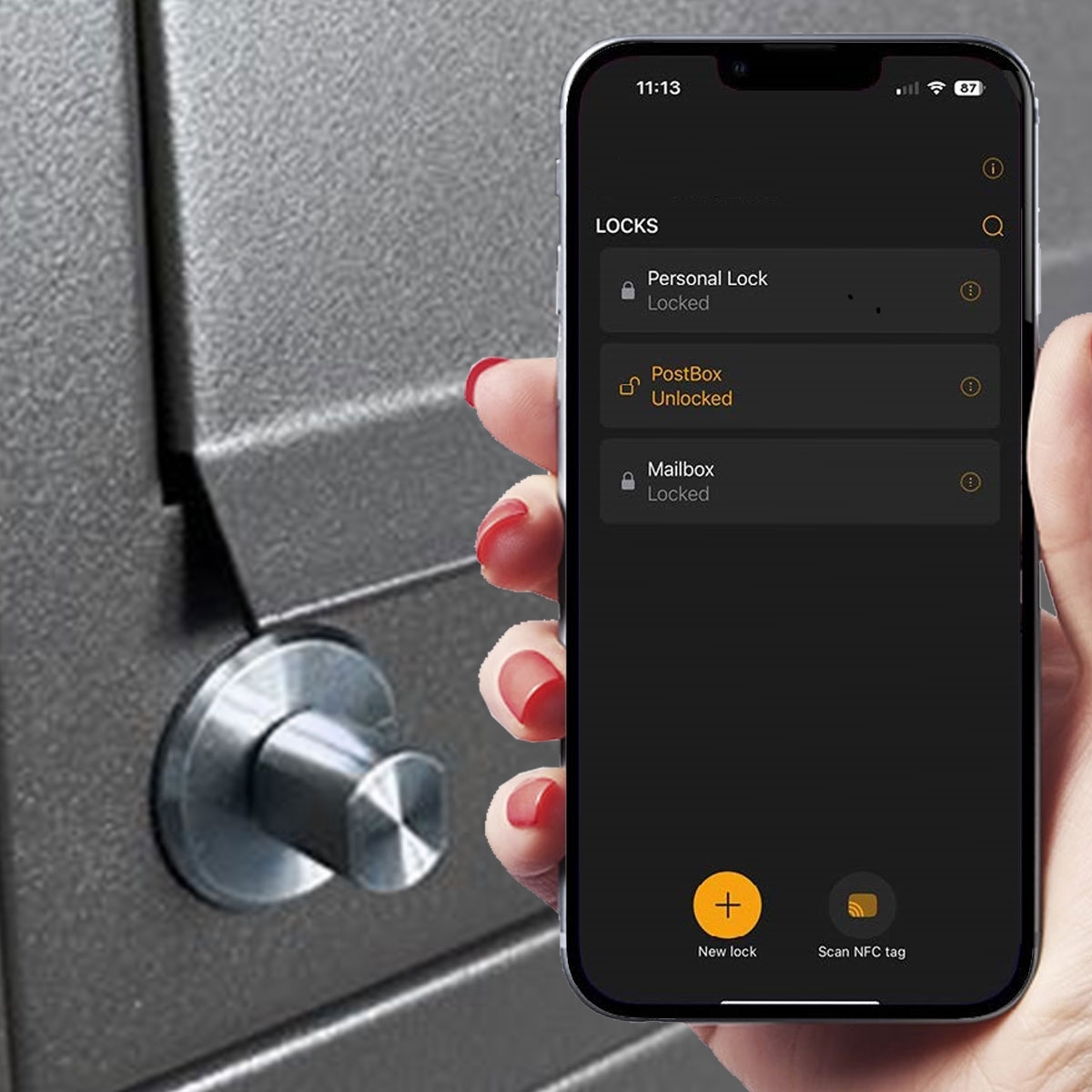
The lock allows mail retrieval without a mechanical key. After initial registration via an individual QR code, it is operated using the free smartphone app. If the smartphone is within Bluetooth range, the unlocking process can be triggered in the app.
The NFC tag is an additional convenience. Holding the smartphone near the tag calls up the app or the assigned function. The radio connection to the lock still runs via Bluetooth. NFC therefore does not replace the app or Bluetooth communication.
- suitable for compatible letterboxes of the BASIC collection
- KLEIST also compatible, but without NFC function
- battery-powered and can be retrofitted without fixed wiring
- QR code for the initial lock registration
- app for supported iOS and Android devices
How the app, Bluetooth, QR code and NFC work together
The terms describe different steps. For reliable operation it is important to understand which task each technology performs.
Smartphone app
The app manages the registered lock and provides the interface for unlocking as well as information about the battery status.
Bluetooth
Bluetooth forms the radio link between the smartphone and the digital lock. To open, the smartphone must be within a suitable range.
QR code
The individual QR code is used for the initial registration. It should be stored securely and not made publicly accessible.
NFC tag
The tag serves as a quick access to the app function. It does not open the lock independently of the smartphone, app and Bluetooth.
Why NFC only works to a limited extent on metal letterboxes
NFC operates with a magnetic alternating field at close range. Metal surfaces can affect this field, detune the tag antenna and greatly reduce the usable range. A conventional NFC tag placed directly on metal can therefore respond unreliably or not be recognised at all.
Plastic nameplate
Here the supplied NFC tag can be used according to the product specification. Position and smartphone model can still influence detection.
Metal nameplate
Not suitable for the intended NFC function. Metal is directly behind the tag and impairs its antenna.
Metal front without a plastic area
In this case the lock should be operated normally via the app and Bluetooth. NFC must not be assumed.
Special on-metal tags work with structural spacer layers or ferrite material. However, this does not constitute approval for the supplied tag. The scope of delivery, product specification and a function test in the final installation situation remain decisive.
Which letterboxes is the digital lock compatible with?
| Letterbox | App and Bluetooth | NFC | Planning note |
|---|---|---|---|
| BASIC collection | Intended where a suitable lock mounting is provided. | Only in conjunction with a plastic nameplate. | Check item, door geometry and lock mounting before ordering. |
| KLEIST | Listed as a compatible application. | Not provided. | Plan operation exclusively via app and Bluetooth. |
| Other BML series | Not guaranteed across the board. | Not guaranteed across the board. | Enquire about availability and constructive suitability in advance. |
| Third-party products | No general compatibility guarantee. | No general compatibility guarantee. | Dimensions, bolt travel, door thickness and mounting must be fully checked. |
Set up the digital letterbox lock in the app
1. Install the app
Install the intended app on a supported iOS or Android smartphone and check the required permissions.
2. Scan the QR code
Use the individually supplied QR code for the lock's initial registration.
3. Name the lock
Assign a clear name, especially if several digital locks are managed in the app.
4. Test Bluetooth
Check directly at the installed letterbox whether connection, unlocking and subsequent locking work reliably.
5. Test NFC optionally
Only for BASIC with a plastic nameplate: mount the tag and test recognition with the actual smartphones to be used.
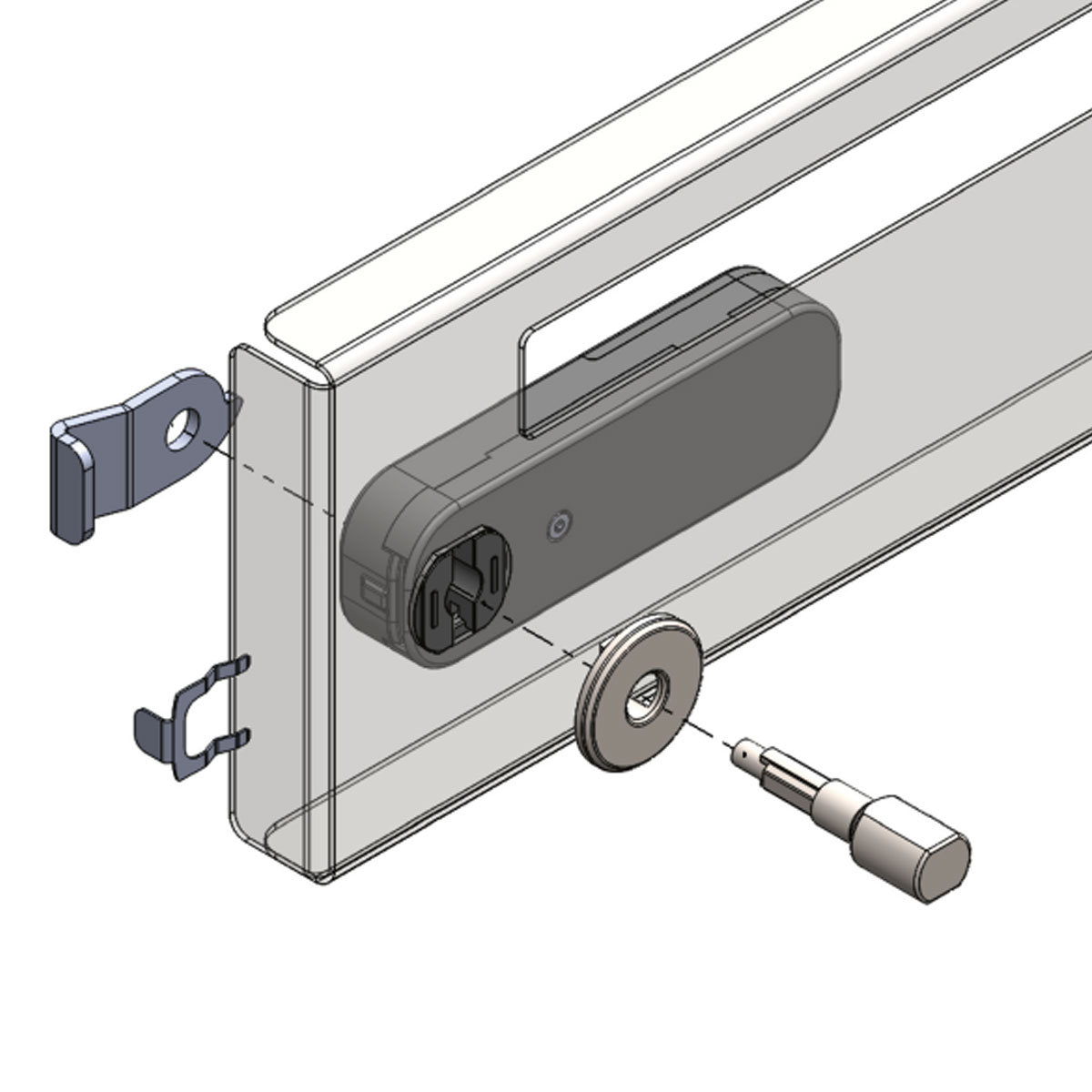
Retrofit the digital letterbox lock in five steps
- Remove the existing lock: Open the letterbox door, release the retaining spring and remove the mechanical lock.
- Position the digital lock: Insert the lock into the mounting in the intended orientation.
- Fit the front cover: Correctly bring together the visible part and the mounting.
- Insert the retaining spring: Secure the lock form-fit on the inside.
- Check bolt and function: Test smooth operation, locking and app control with the door open and closed.
Battery life and operation outdoors
The scope of delivery includes a pre-installed LongLife battery. A possible operating life of more than five years is stated. This figure should be understood as a product specification under suitable conditions. Frequency of openings, ambient temperature, radio connections and other operating conditions can influence the actual service life.
- regularly check battery status and app notifications
- plan battery replacement before complete discharge
- do not treat the lock and letterbox door with high-pressure cleaners
- maintain drainage and the letterbox's structural weather protection
- after battery replacement fully test unlocking and locking
The battery-powered design does not require a fixed power supply. Nevertheless, the lock remains an electronic component. Installation, maintenance and permissible environmental conditions must be observed according to the instructions.
Safety and usage notes
A digital lock shifts access from the mechanical key to the smartphone, app and registration data. This reduces traditional key management but requires responsible handling of the mobile device and the QR code.
- do not store the individual QR code on the letterbox or in a publicly visible place
- protect the smartphone with device lock and up-to-date system updates
- follow the app system's prescribed steps when changing devices or in case of loss
- manage access rights only within the functions actually supported by the app
- for multi-family or commercial properties, define responsibility and battery maintenance
Digital lock BASIC and suitable solutions
Before purchase, the exact letterbox variant should be checked. NFC is only intended for BASIC with a suitable plastic nameplate.
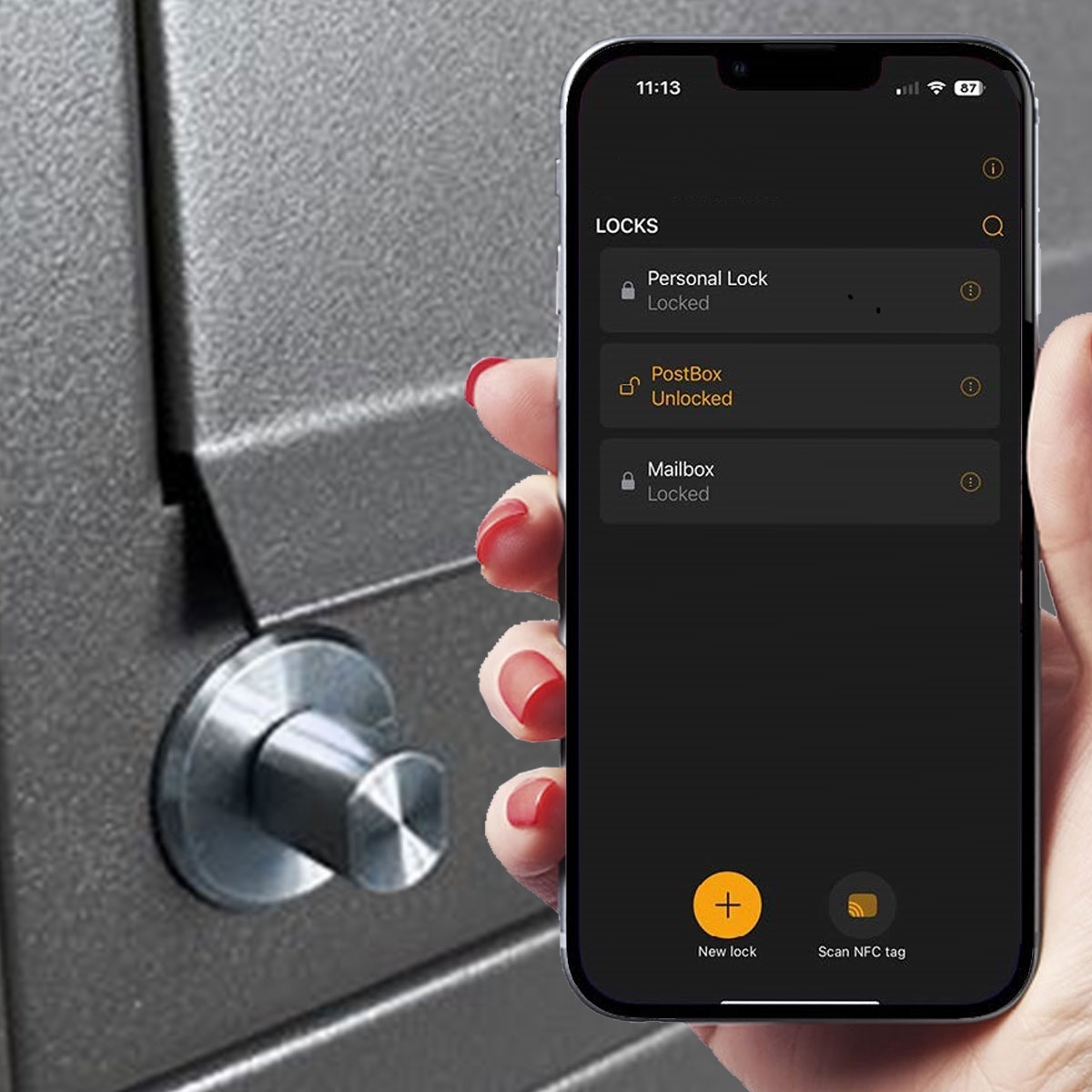
Digital lock BASIC
Retrofit-able, battery-powered letterbox lock with app control via Bluetooth and an optional NFC tag for plastic nameplates.
View lock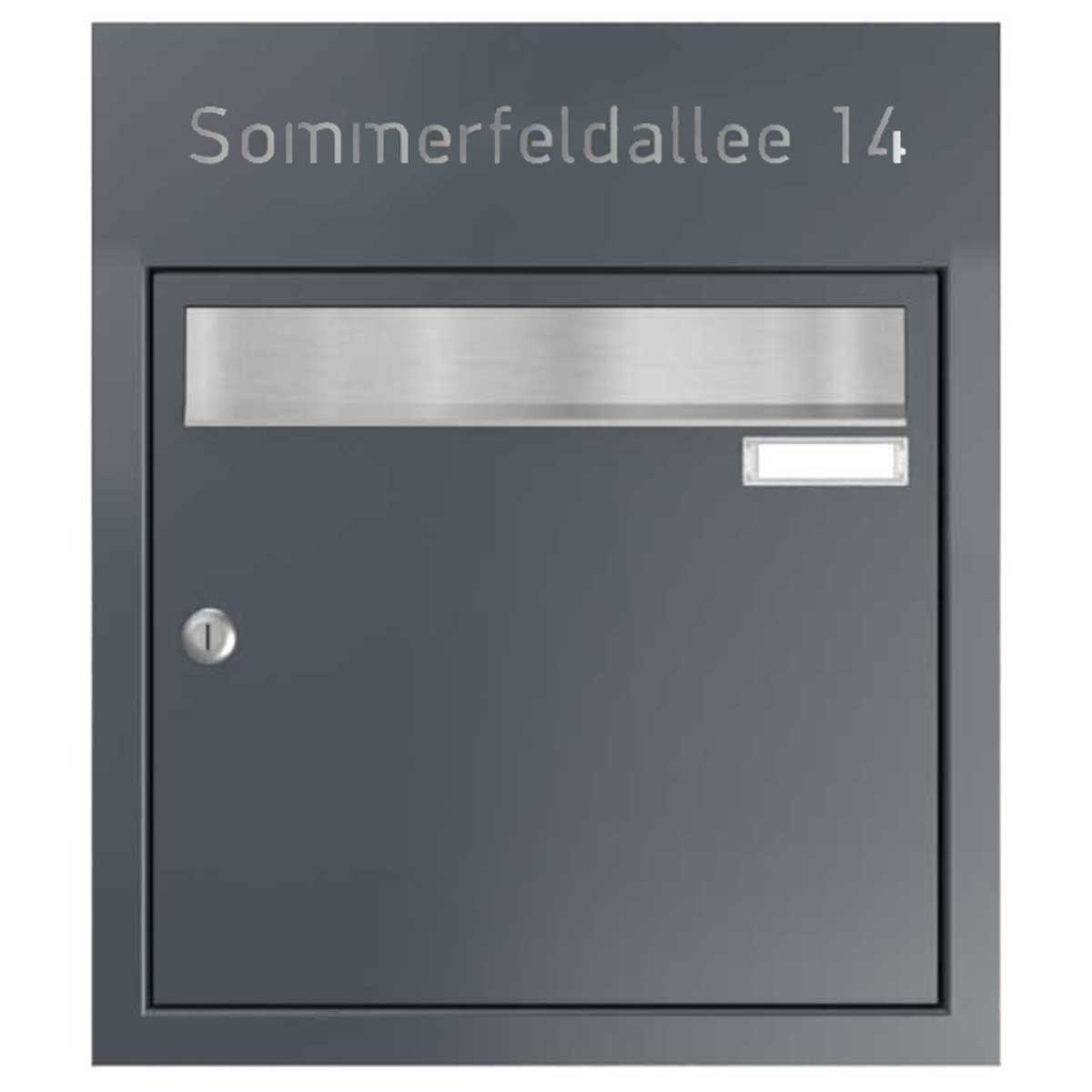
BASIC letterboxes
Depending on the lock mounting, suitable for digital retrofitting. NFC requires a plastic nameplate and the intended tag position.
Explore BASIC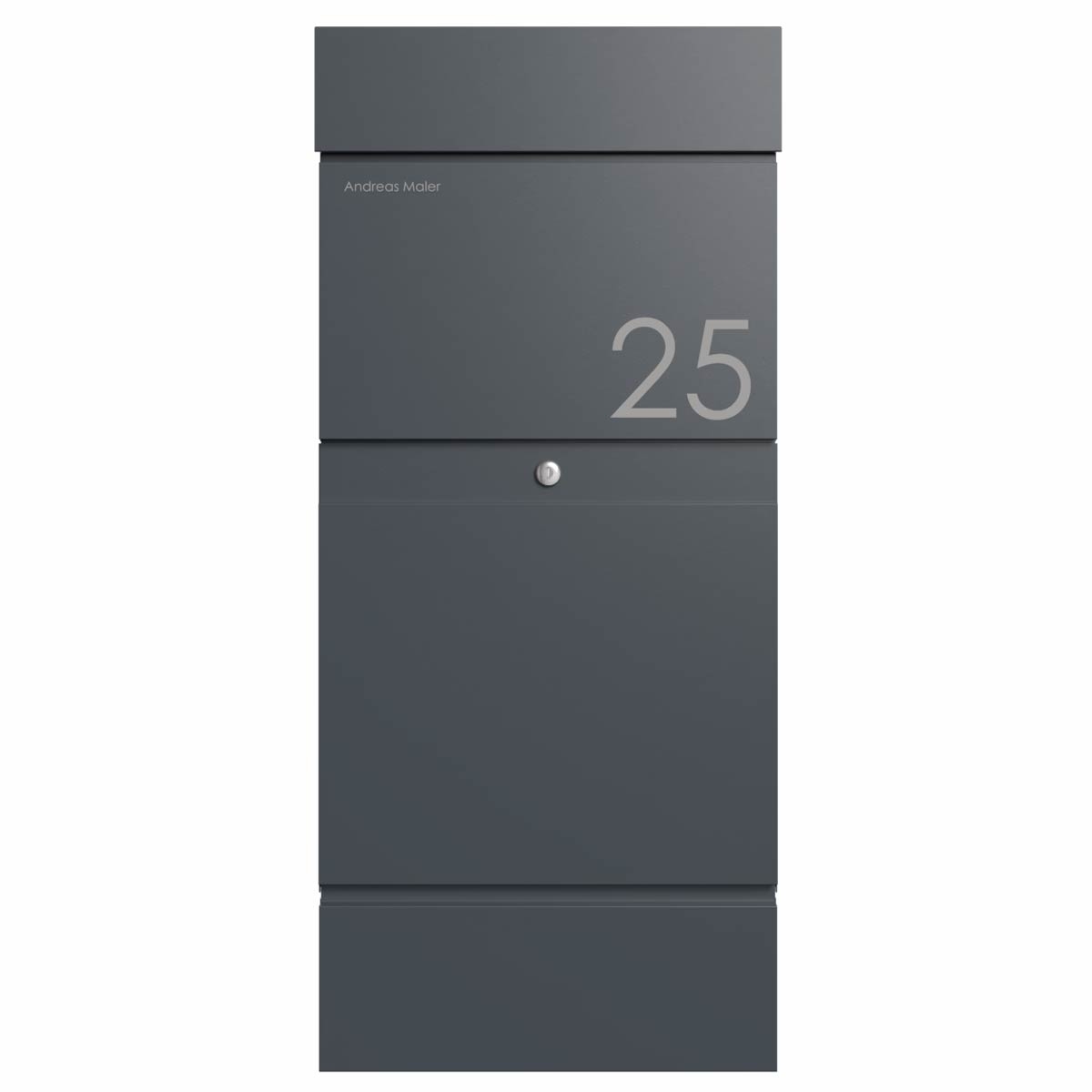
Parcel letterbox KLEIST
The digital lock can be intended for KLEIST. Operation there is via app and Bluetooth; NFC is not available.
View KLEISTFrequently asked questions about the digital letterbox lock
How does the digital letterbox lock BASIC work?
The lock is operated via a smartphone app and Bluetooth. An individual QR code is used for the lock's initial registration.
Does the NFC tag open the letterbox directly?
The NFC tag serves as a convenient link to the app. The actual communication and opening of the lock takes place via the Bluetooth connection to the smartphone.
Does NFC work on a metal letterbox?
Only to a limited extent. Metal can shield the NFC field or detune the antenna. For the digital BASIC lock, the supplied NFC tag is therefore intended exclusively for a plastic nameplate.
Can the NFC tag be stuck onto a stainless steel nameplate?
No. For this product the supplied NFC tag is not intended to be mounted on a nameplate or a front made of metal.
For which letterboxes is the digital lock suitable?
It is intended for suitable letterboxes of the BASIC collection. KLEIST is also compatible, but there NFC is not available. For other models availability must be checked in advance.
Can the digital letterbox lock be retrofitted?
Yes. On compatible models it replaces the existing lock and is installed with front cover, retaining spring and mounting material. The lock mounting and series must be checked beforehand.
How long does the battery last?
The supplied LongLife battery is stated to last more than five years. The actual duration depends, among other things, on frequency of use, temperature and operating conditions.
What happens when the battery runs low?
The app should notify you in time of a required battery change. Nevertheless, the battery status should be checked regularly and replacement planned in good time.
Does the lock require a fixed power supply?
No. The digital letterbox lock is battery-powered and does not require fixed wiring for the intended retrofit.
Check compatibility before retrofitting
For a reliable solution, the letterbox series, lock mounting and desired operation must match. For NFC a plastic nameplate is additionally required; the function must not be assumed on metal.
